
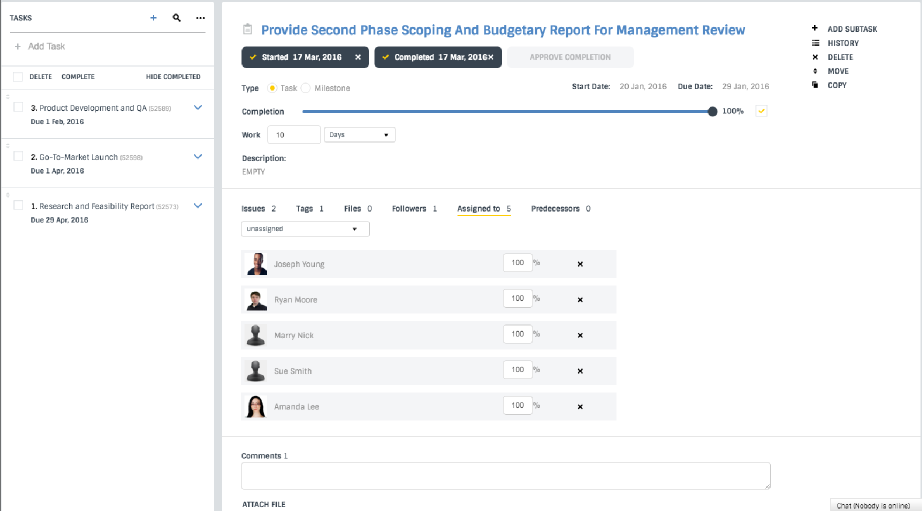
Dashboard with Detailed Task Information
When a task is delegated to a team member, it includes a detailed description, priority level and start/end date.
Task Assignment Made Easy
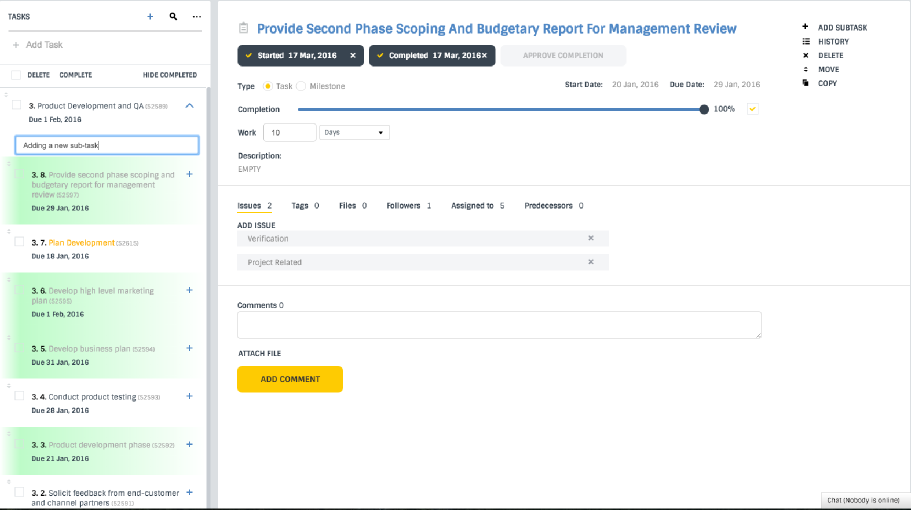
Task owners can assign followers to each task who are then notified of updates. In just a couple of clicks, a dependency or subtask can be added.
Team Generated Real-Time Updates
Notifications to the project are sent in real time when the user marks a task as successfully completed.
Record of task history
All versions of a file are maintained and can be viewed by any team member with project access.