

As a beginner to TradingView, some things may seem complicated to understand. For example, determining how to add synthetic indices to your charts can be challenging at first.
But with this guide, you will be able to learn how to add synthetic indices on TradingView, from setting up your account all the way to customizing your charts. Read along to find out more.
Understanding Synthetic Indices and TradingView
Synthetic indices are financial products that mimic real-world markets, such as forex or stocks, but without being tied to any physical assets. They are often used for trading purposes because they offer a reliable and stable market.
TradingView is a popular charting platform that lets you analyze these markets with powerful tools. Does TradingView have synthetic indices? Yes, it does! You can easily track and trade synthetic indices if you know how to add them to your chart.
Setting up Your TradingView Account
Before you can start adding synthetic indices on TradingView, you need to create an account. What you need to do is to visit the TradingView website and select “sign up.” There are also other ways you can register through your email, Google account, or even Facebook.
After completing this process, take your time and understand the platform. Setting up your account correctly is important since it enables you to make full use of TradingView’s capabilities, save your work, and view charts at any time. If you’re using Weltrade for your trading, linking it with TradingView will allow you to easily track synthetic indices.
Navigating the TradingView Chart Interface
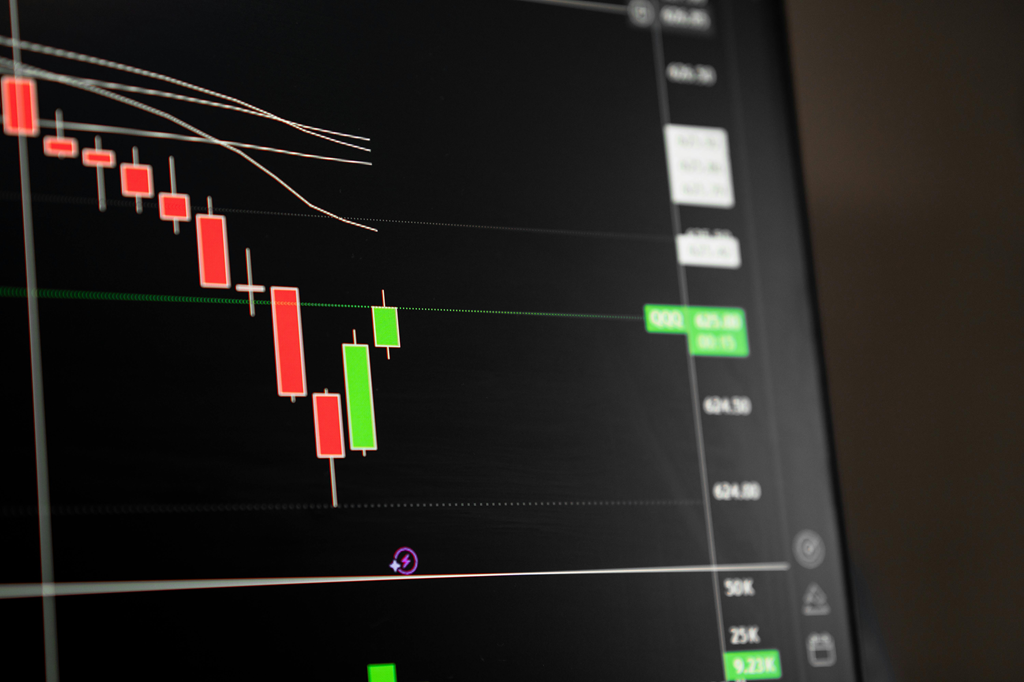
The first thing you are going to see once you are logged in is the main dashboard with a chart in the middle. On the left side, that’s where you will find tools to draw on your charts; these are like lines and indicators. At the top, there are menus for changing the chart’s time frame or style.
The right side shows price data and market info. Learning how to navigate the TradingView chart interface will help you make the most of adding synthetic indices on TradingView.
Finding Synthetic Indices on TradingView
Now that you understand how the TradingView platform works, let’s find synthetic indices. You will click the search bar, which is on top of the page, and type the name of the synthetic indices you are searching for. TradingView will display a list of results.
Click on one, and the chart for that selection will appear on your screen, ready for analysis. This is the first step in how to add synthetic indices on TradingView.
Customizing the Synthetic Indices Display
The good thing about TradingView is that it gives you the ability to customize the way you want your synthetic indices to be displayed on your charts. On top of that, you can include technical indicators to help with your analysis.
Customizing your charts makes it easier to track trends and improve your trading decisions. How to add synthetic indices on TradingView includes knowing how to make your charts more readable and effective.
Saving and Sharing Your Chart Setup
After customizing your chart, you might want to save your setup for future reference. TradingView lets you save your charts to your profile by clicking on the “save” button at the top. You can also share your charts with others by clicking on the “share” button and copying the link. This makes it easy to collaborate with other traders or show your analysis to friends.
With saved setups, how to add synthetic indices on TradingView becomes more efficient since you don’t have to start from scratch each time.
Conclusion
In this guide, you’ve learned how to add synthetic indices on TradingView, step by step. You now know how to set up your account and navigate it. If you’ve been asking, “Does TradingView have synthetic indices?” The answer is yes! TradingView is a powerful tool for traders looking to analyze synthetic indices. With these skills, you’re ready to start trading and exploring the world of synthetic indices on TradingView.